How to Get Paid Faster as a Contractor
Late payments are one of the biggest cash flow problems for contractors. These practices - paired with professional invoicing software - help reduce the time between completing a job and getting paid.
$265 one-time • 3 licenses included • Windows only
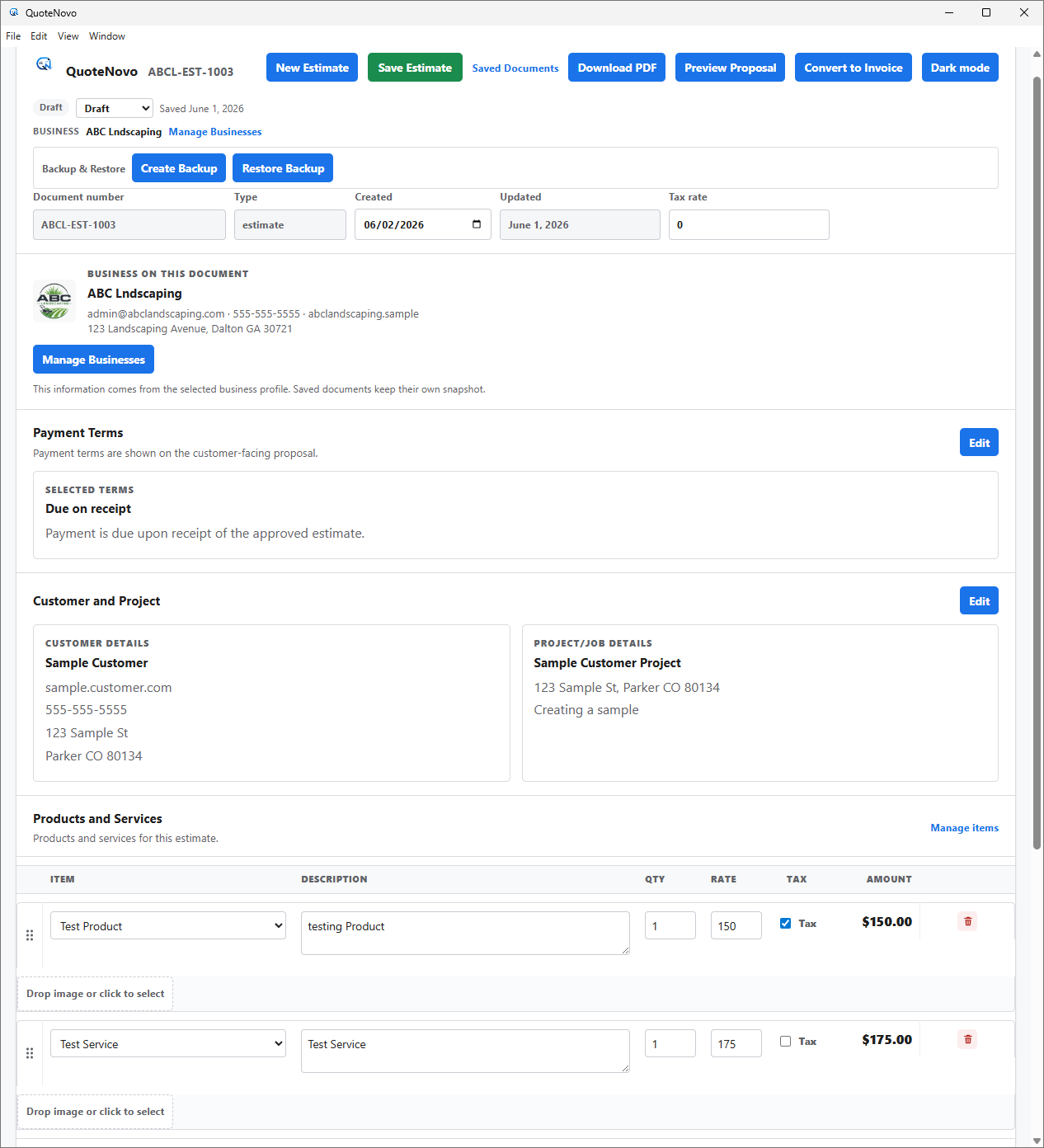
What your client receives
QuoteNovo helps contractors turn estimate details into a clean, customer-facing PDF proposal with line items, pricing, project information, and totals.
- Business name, logo, and contact details on every PDF
- Client name and project information
- Line-item breakdown with quantities, pricing, and tax
- Subtotals and grand total calculated in-app
- Download directly from QuoteNovo — no extra software needed
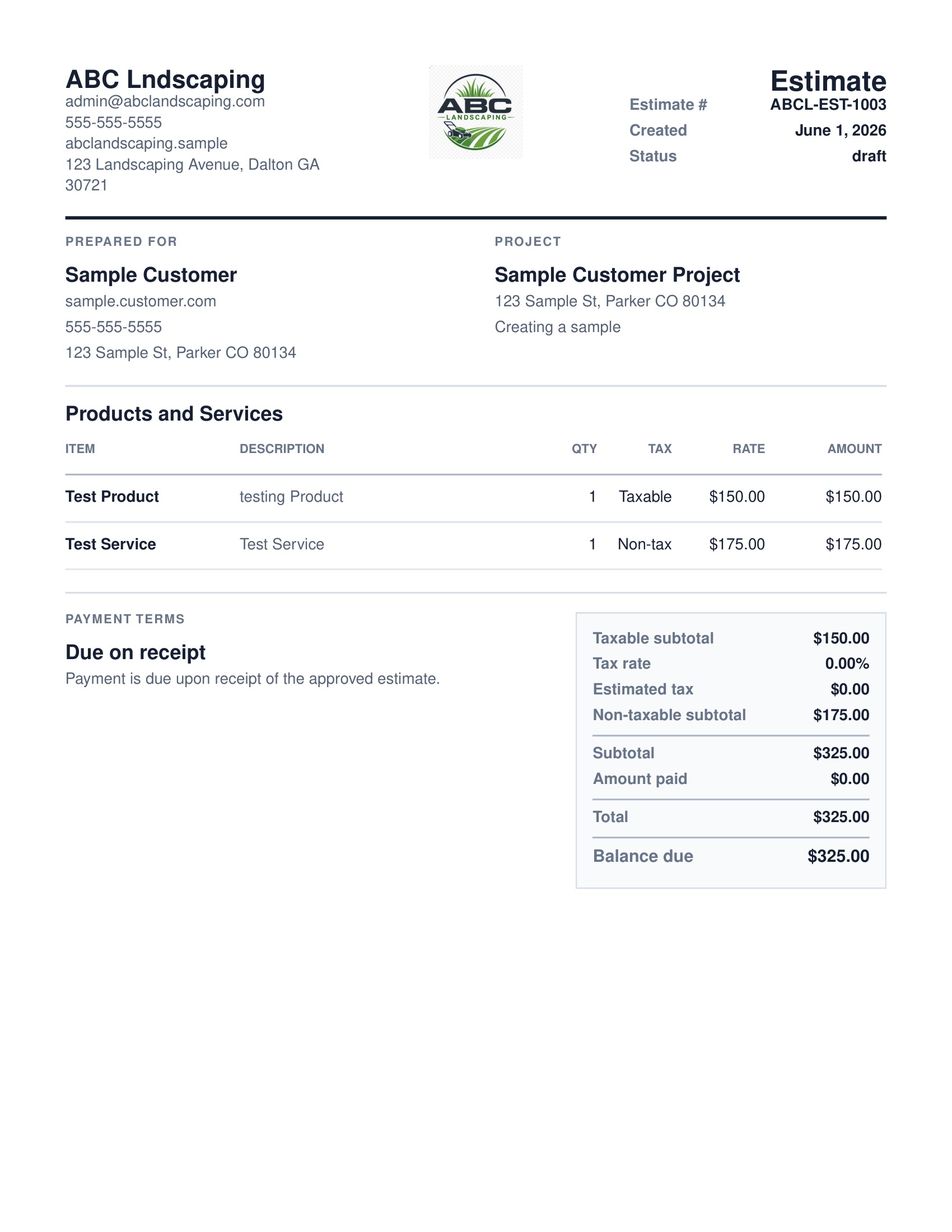
Contractors get paid faster when they invoice promptly after job completion, use professional invoices with clear payment terms, follow up on outstanding balances, and make it easy for clients to understand what they owe. QuoteNovo is Windows desktop invoicing and estimating software that helps contractors convert completed estimates to invoices quickly, track which invoices are paid and which are outstanding, and generate professional PDF invoices - for $265 as a one-time purchase (3 licenses). It does not include online payment processing.
The problem with most estimating and invoicing software
- Delayed invoicing after job completion is one of the most common reasons contractors wait too long to get paid.
- Handwritten or informal invoices are easier for clients to misplace or dispute.
- Not tracking outstanding invoices means following up late, or not at all.
Why QuoteNovo fits
- Convert an estimate to an invoice immediately after the job - reducing the gap between completion and billing.
- Generate a professional PDF invoice that clients take seriously.
- Track paid and unpaid invoices in one place - know exactly who owes you money.
- Keep customer and project records so follow-up is organized.
What QuoteNovo includes
Every feature listed below is part of the $265 one-time purchase.
QuoteNovo is not full accounting software
QuoteNovo is not full accounting software. It does not include payroll, bank feeds, tax filing, bank reconciliation, or deep bookkeeping reports. Businesses that need those capabilities should use QuickBooks or dedicated accounting software alongside or instead of QuoteNovo.
QuoteNovo is not the right fit if you need:
- Contractors who need online payment processing or a payment link in the invoice - QuoteNovo does not include that.
- Businesses needing automated invoice reminders or billing automation.
Stop paying monthly for software you could own
$265 one-time purchase • 3 licenses included • Windows only • No subscription
Complete a Demo and Get 10% Off QuoteNovo
Submit your info and we'll contact you to schedule a short QuoteNovo product demo. After you complete the demo, you'll receive a purchase link with 10% off your lifetime license.
- Short, focused product walkthrough
- See estimates, invoices, and PDF workflows firsthand
- Ask questions before you buy
- 10% discount link sent after the completed demo
Frequently Asked Questions
Have a question not answered here? admin@quotenovo.com