Landscaping Estimating Software - Quote Jobs and Invoice Clients
QuoteNovo gives landscapers and lawn care businesses a professional way to build detailed estimates, send client proposals, and invoice completed jobs - installed on Windows, no subscription required.
$265 one-time • 3 licenses included • Windows only
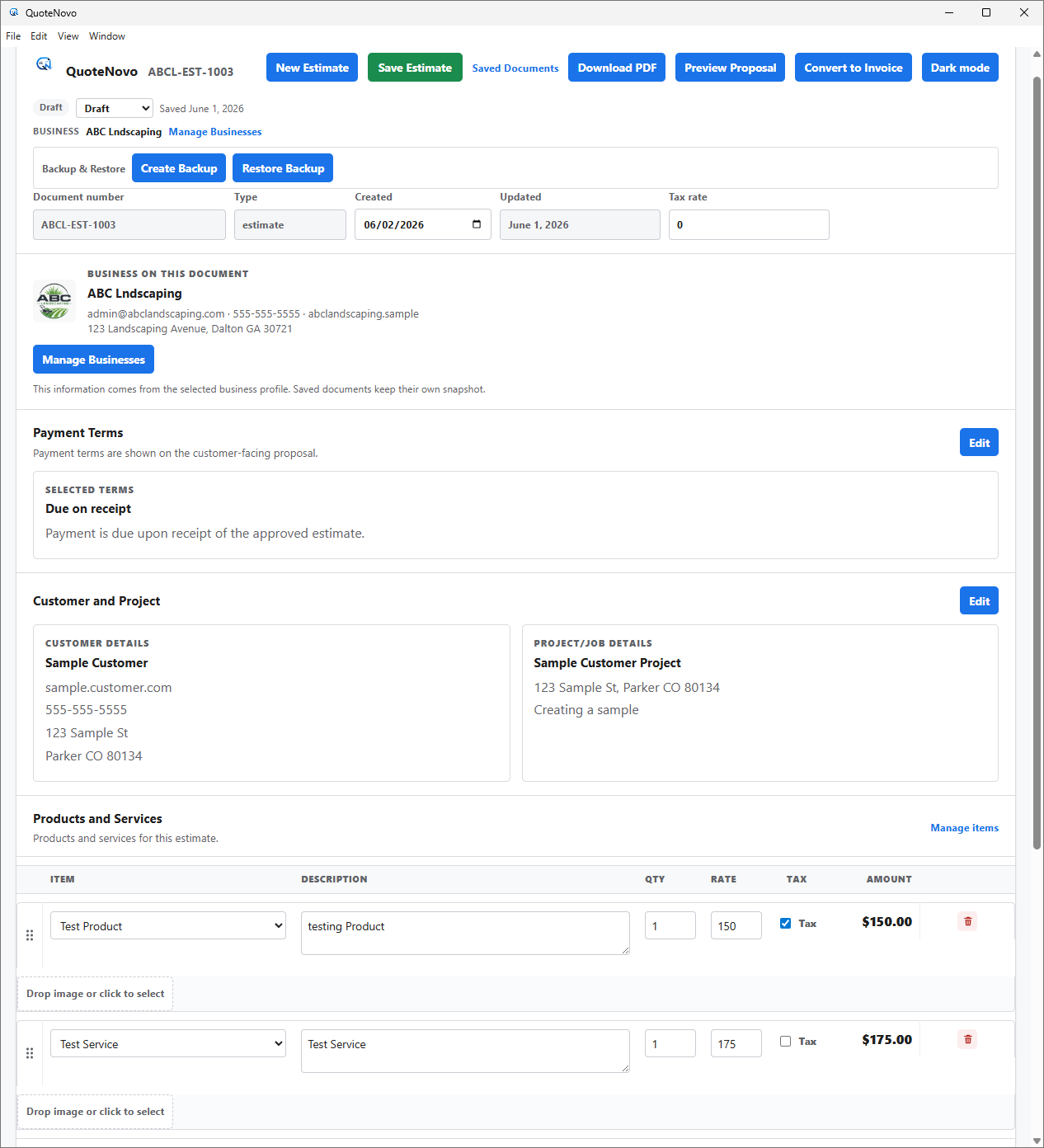
What your client receives
QuoteNovo helps contractors turn estimate details into a clean, customer-facing PDF proposal with line items, pricing, project information, and totals.
- Business name, logo, and contact details on every PDF
- Client name and project information
- Line-item breakdown with quantities, pricing, and tax
- Subtotals and grand total calculated in-app
- Download directly from QuoteNovo — no extra software needed
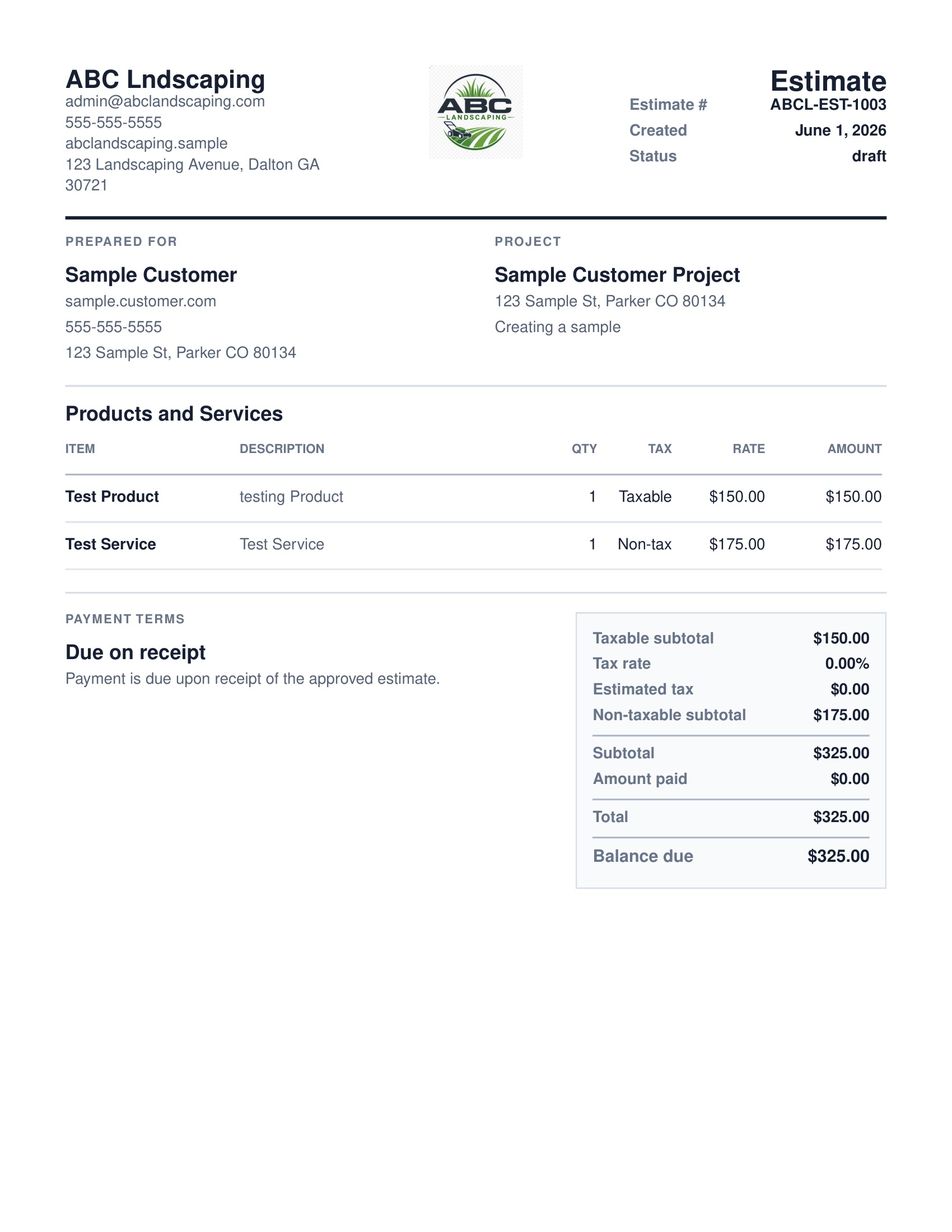
QuoteNovo is Windows desktop estimating and invoicing software used by landscaping contractors. It costs $265 as a one-time purchase with 3 licenses included. Landscapers use it to build estimates with line items for labor, plant materials, mulch, gravel, equipment time, and project scopes; generate client-ready PDF proposals; convert estimates to invoices; and track payment status. All data is stored locally - no cloud account or internet connection needed for normal use. It is not full accounting software and does not include payroll, bank feeds, or scheduling features.
Landscaping jobs cover a wide range of project types - basic lawn cleanup, mulch refresh, shrub trimming, sod installation, planted bed design, retaining walls, and irrigation systems. Each project type involves a different mix of materials and labor: mulch by the cubic yard, sod by the square foot, plant materials by unit, gravel and edging by linear foot, and labor broken out by task. Homeowners, HOAs, and property managers increasingly expect a written proposal before approving any landscaping scope. QuoteNovo lets a landscaping business build that proposal in a structured way - save frequently used services and materials to a library, pull them into a new estimate, adjust quantities per job, and generate a clean PDF for client review. When the work is complete, the estimate converts directly to an invoice without re-entering any job data.
Why landscaping estimates need structured line items, not verbal numbers
- Landscaping estimates often include many material types - mulch, plants, gravel, seed - that change job to job.
- Seasonal work means many clients in a short window; slow quoting costs jobs.
- Clients expect a written proposal before approving a landscaping job, especially for larger projects.
- Monthly software subscriptions are hard to justify during slow seasons.
How QuoteNovo fits landscaping and outdoor service work
- Build line-item estimates covering labor, plant materials, mulch, gravel, irrigation, and more.
- Save frequently used services and materials in a library for faster quoting.
- Generate professional PDF proposals - helpful for HOAs, property managers, and larger residential clients.
- Convert a completed estimate directly to an invoice when the job is done.
- $265 one-time purchase - no monthly fee eating into seasonal margins.
What QuoteNovo includes
Every feature listed below is part of the $265 one-time purchase.
Example use case
A landscaping contractor estimating a residential backyard renovation builds a line-item quote that separates sod installation by square foot, mulch delivery by cubic yard, planted beds by material cost and labor, and irrigation zone repairs as individual entries - giving the homeowner a complete cost breakdown before the project starts. The customer approves the PDF proposal, and when the job is done the estimate converts to an invoice with no duplicate data entry.
When QuoteNovo is not the right fit for landscaping businesses
QuoteNovo is not full accounting software. It does not include payroll, bank feeds, tax filing, bank reconciliation, or deep bookkeeping reports. Businesses that need those capabilities should use QuickBooks or dedicated accounting software alongside or instead of QuoteNovo.
QuoteNovo is not the right fit if you need:
- Landscapers who need scheduling, routing, or crew dispatching software.
- Businesses needing payroll, bank feeds, or full accounting.
- Contractors who need mobile or Mac access.
Stop paying monthly for software you could own
$265 one-time purchase • 3 licenses included • Windows only • No subscription
Complete a Demo and Get 10% Off QuoteNovo
Submit your info and we'll contact you to schedule a short QuoteNovo product demo. After you complete the demo, you'll receive a purchase link with 10% off your lifetime license.
- Short, focused product walkthrough
- See estimates, invoices, and PDF workflows firsthand
- Ask questions before you buy
- 10% discount link sent after the completed demo
Frequently Asked Questions
Have a question not answered here? admin@quotenovo.com